
Introduction
TypeType is not a single app, it is a self-hostable ecosystem. A deployment is a set of cooperating services: a web app, an API server, a token and browser service, a downloader, and the data stores they rely on. Together they let you run your own video platform end to end.
This guide covers both the supported installer and a manual Docker Compose setup. The installer creates the .env, generates secrets, selects free ports, and provisions the object store. The manual path documents the same deployment as plain commands so you can inspect and control each step.
The components
| Component | Repository / image | Role |
|---|---|---|
| Web app | ghcr.io/typetype-video/typetype | The interface, plus an nginx that proxies /api to the server |
| API server | ghcr.io/typetype-video/typetype-server | Accounts, extraction, the REST API, the core of the ecosystem |
| Downloader | ghcr.io/typetype-video/typetype-downloader | Prepares downloads and stores them in the object store |
| Token | ghcr.io/typetype-video/typetype-token | YouTube PO tokens, player decoding, SABR metadata, subtitles, and optional remote login |
| Database | postgres | Accounts, history, playlists, settings |
| Cache | dragonfly | Redis-compatible cache |
| Object store | garage | S3-compatible storage for downloads |
Other clients can use the same API server, so a single self-hosted deployment can serve more than the web app.
How they fit together
Only the web app needs to be reachable by your users. In production you put a reverse proxy in front of it and serve it over HTTPS, as described in Reverse proxy and HTTPS.
Token is an internal service, but it is not optional for current YouTube playback. YOUTUBE_REMOTE_LOGIN_ENABLED controls only the interactive YouTube sign-in feature; PO-token, decoder, subtitle, and SABR work still use Token when remote login is off.
For source ownership and the browser playback path, see the project overview and Playback and downloads.
What it looks like
A self-hosted instance once it is running, playing a video, searching, and the settings:
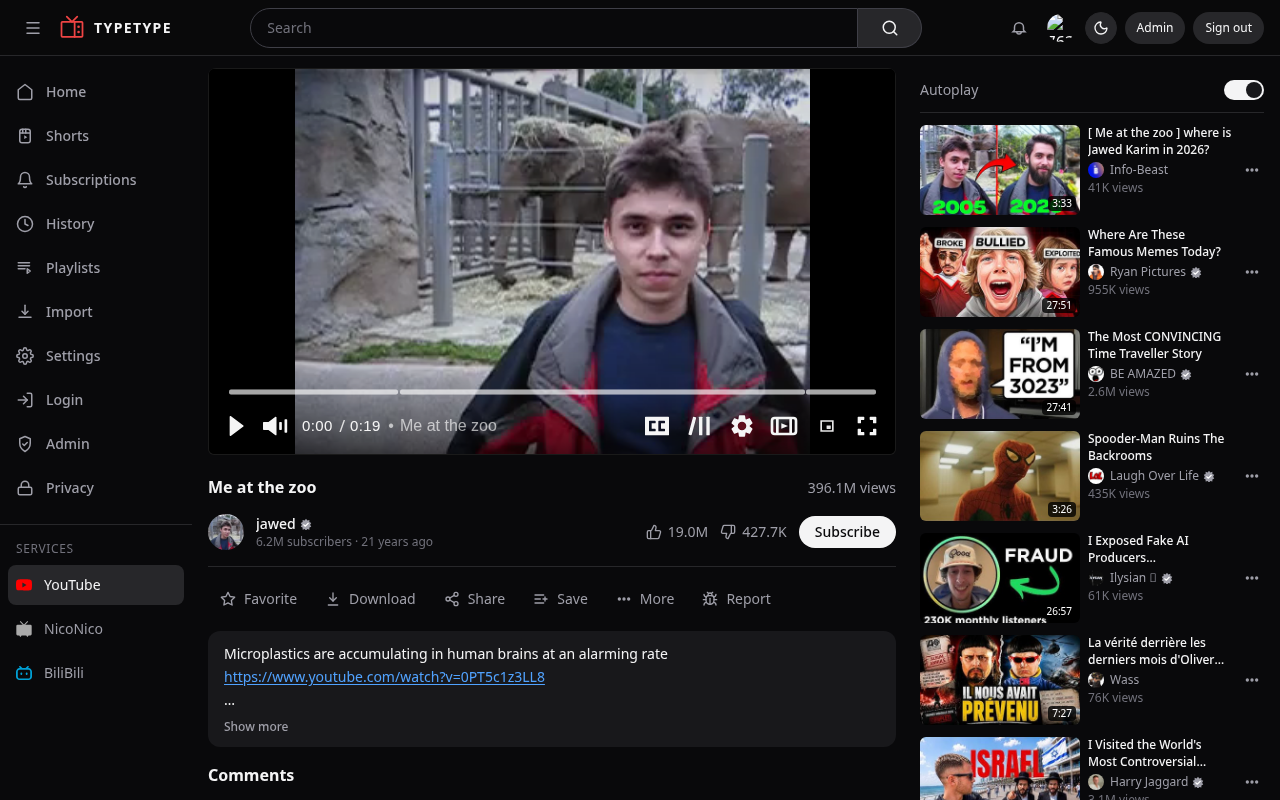
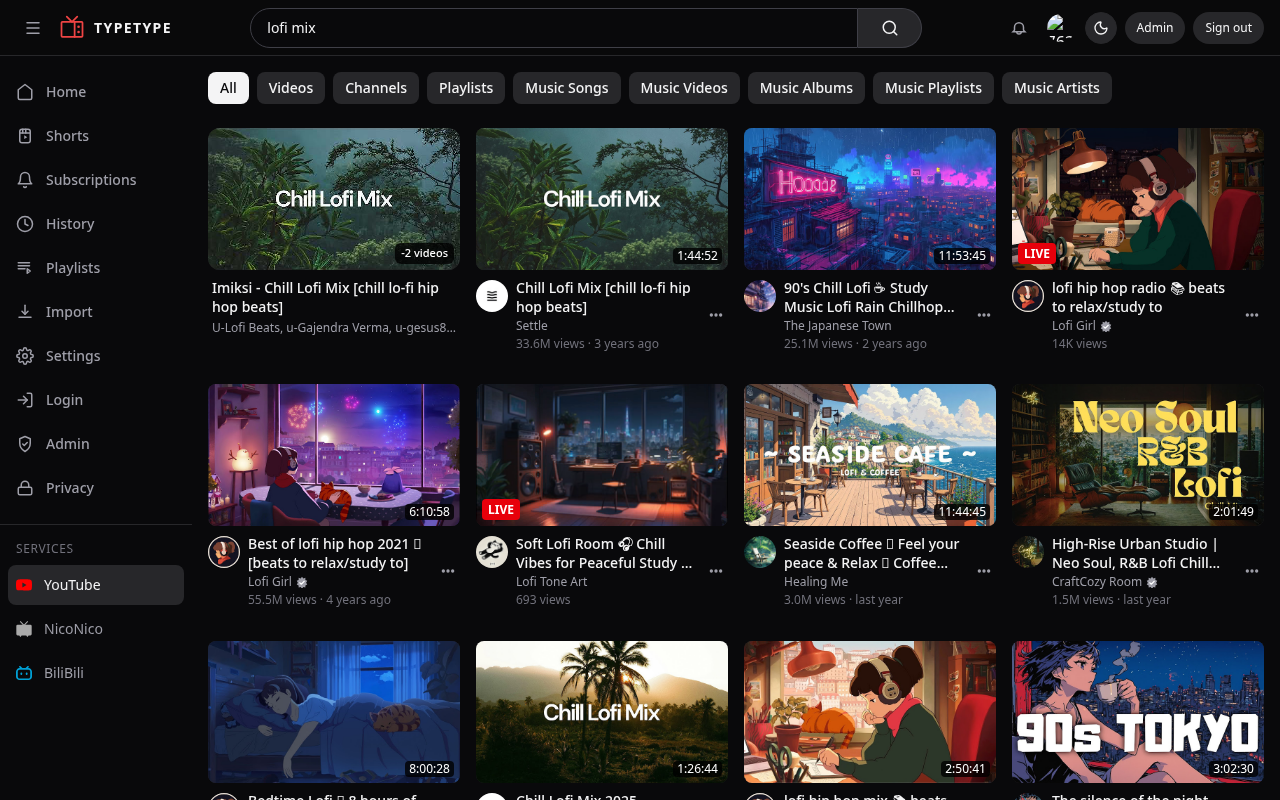
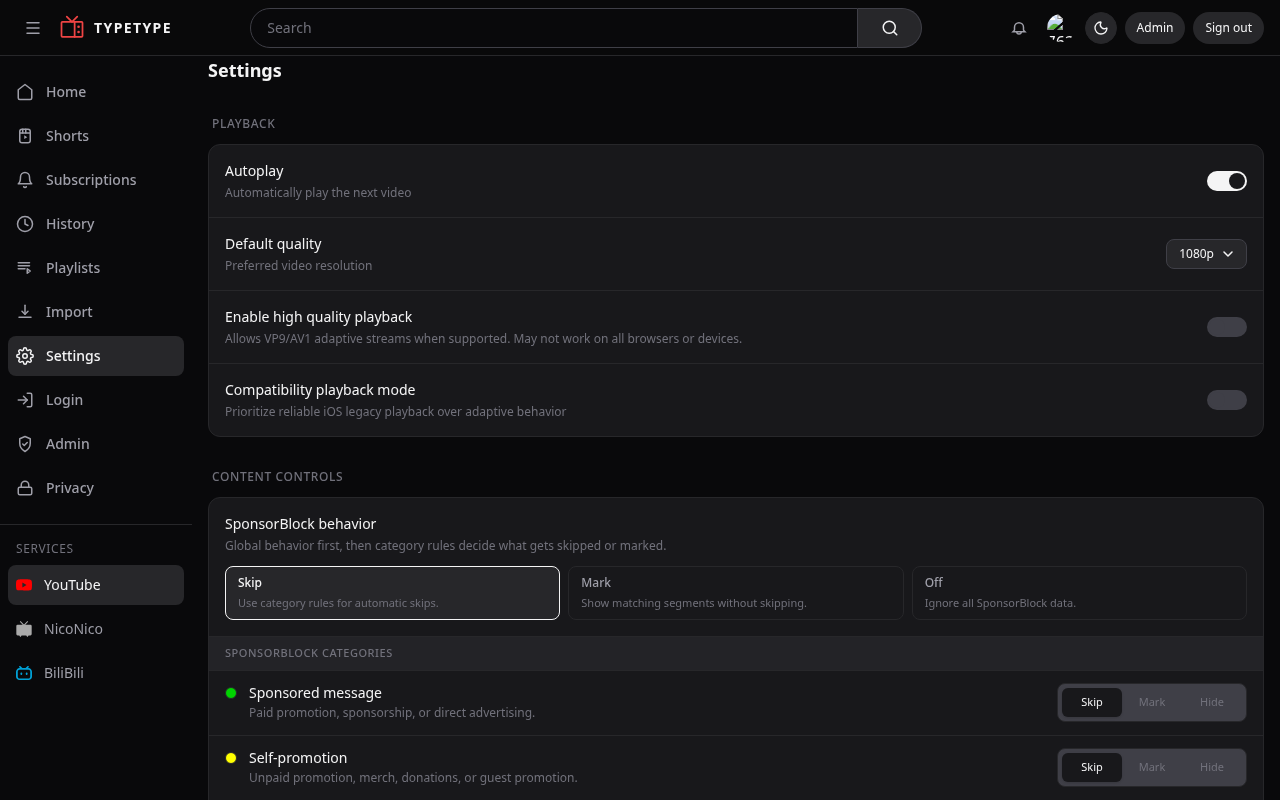
Playback in action:
How this guide is organised
- Architecture - how the pieces communicate, and where data lives.
- Security boundaries - what is public, internal, and browser-backed.
- Prerequisites - what you need before you start.
- Quick start - the recommended one-command install.
- Manual setup - the same thing by hand, step by step.
- Configuration - every environment variable, explained.
- Importing your data - bring in subscriptions, playlists, history.
- Reverse proxy and HTTPS - exposing it on your domain.
- Maintenance - updates, backups, and logs.
- Beta and main - running the stable and preview channels.
- Reporting issues - how to report bugs.
- Troubleshooting - common issues and fixes.
Where do the files come from?
The docker-compose.yml, .env.example, and stack scripts referenced throughout this guide live in the TypeType repository. The web image includes its nginx configuration, while Compose initializes Garage's default configuration in a named volume. Clone the central repository first (see Manual setup or Quick start).