
Finding content
Several ways to discover and reach what you want to watch.
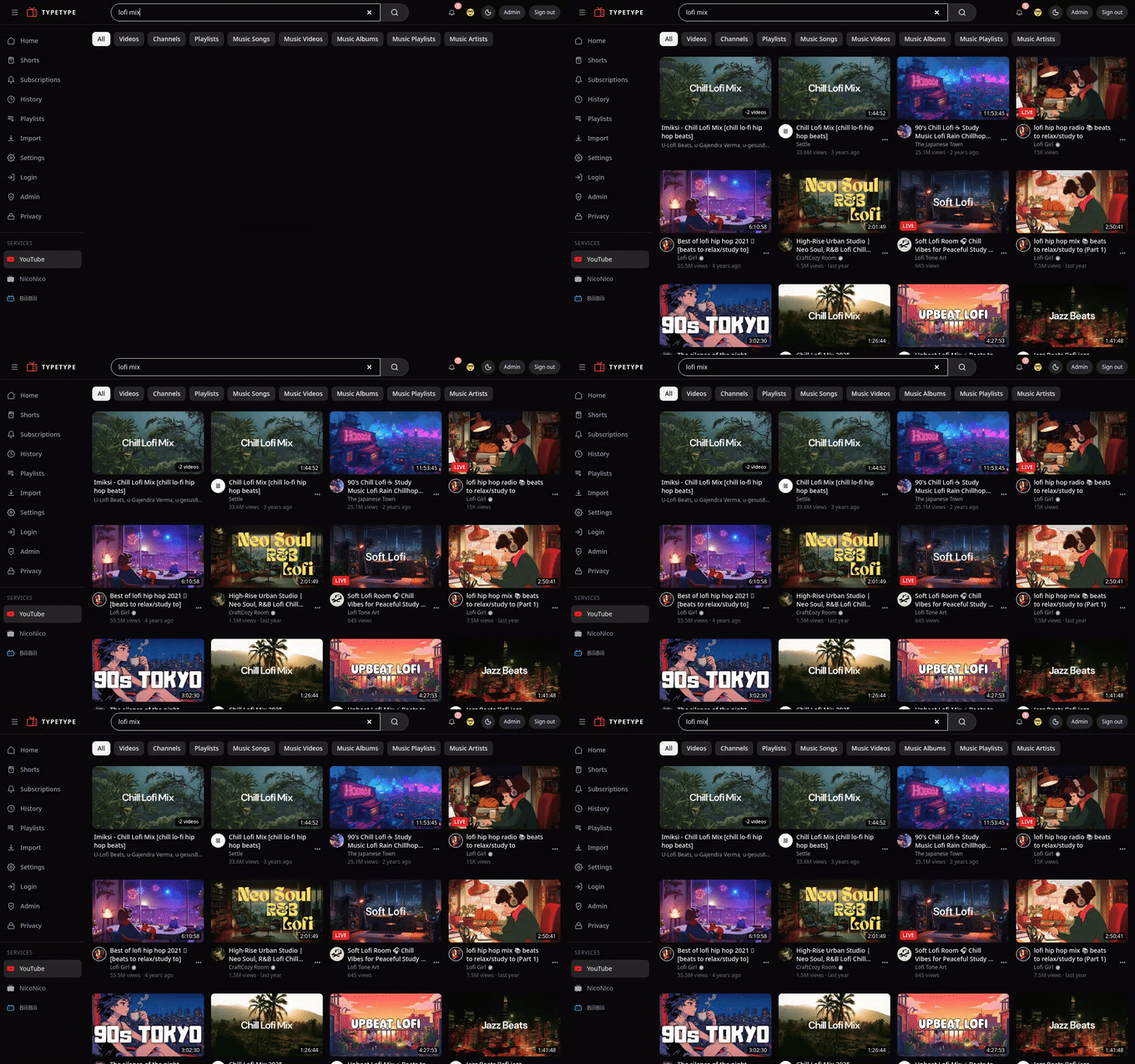
Search
Search across the active service. The tabs above the results narrow them by type; on YouTube: videos, channels, playlists, music (songs, videos, albums, playlists, artists), and Live streams, which shows only streams that are live now. BiliBili offers live, channels, anime, and movies & TV. Filters adds sorting, upload date, and duration where the service supports them.
Home
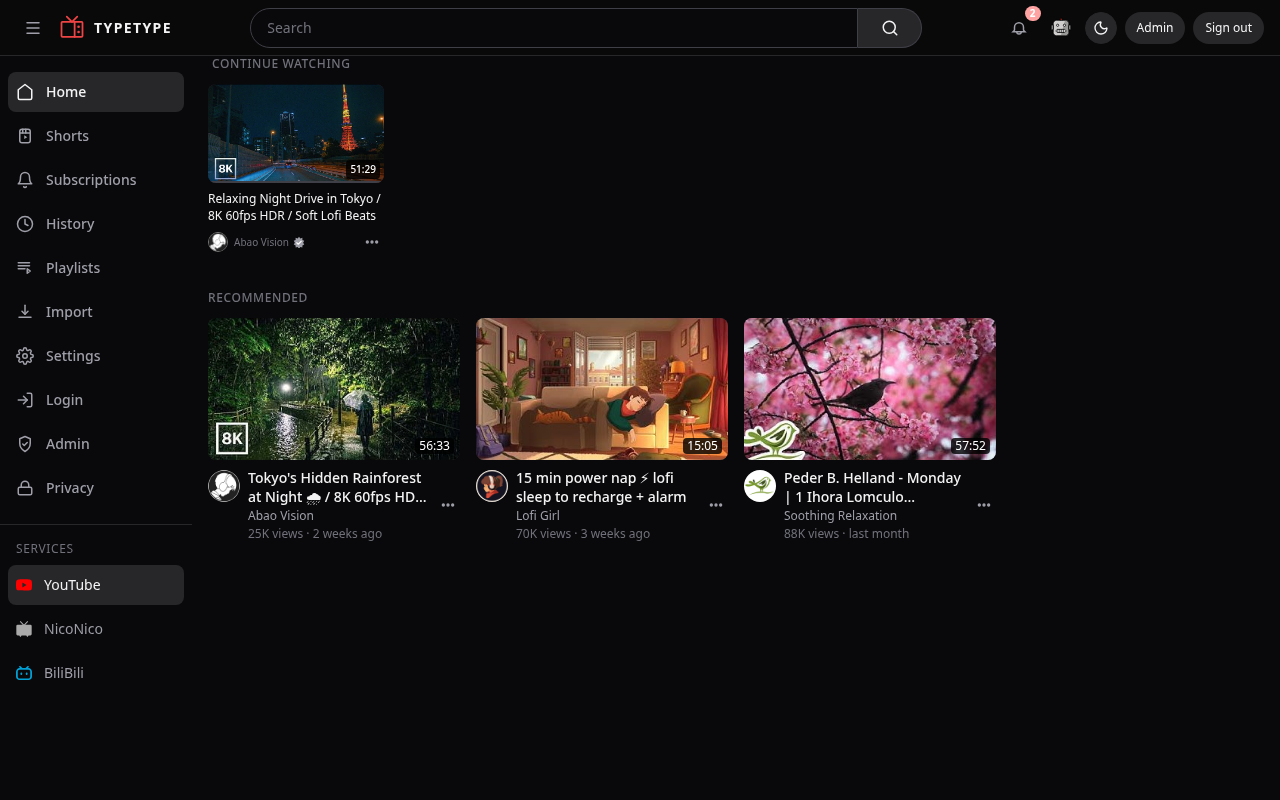
The home page is your starting feed: recommendations and things to continue watching. You can trim what shows up, or hide recommendations entirely, in Settings, and choose a different default landing page if you prefer to open straight on Subscriptions.
Channels
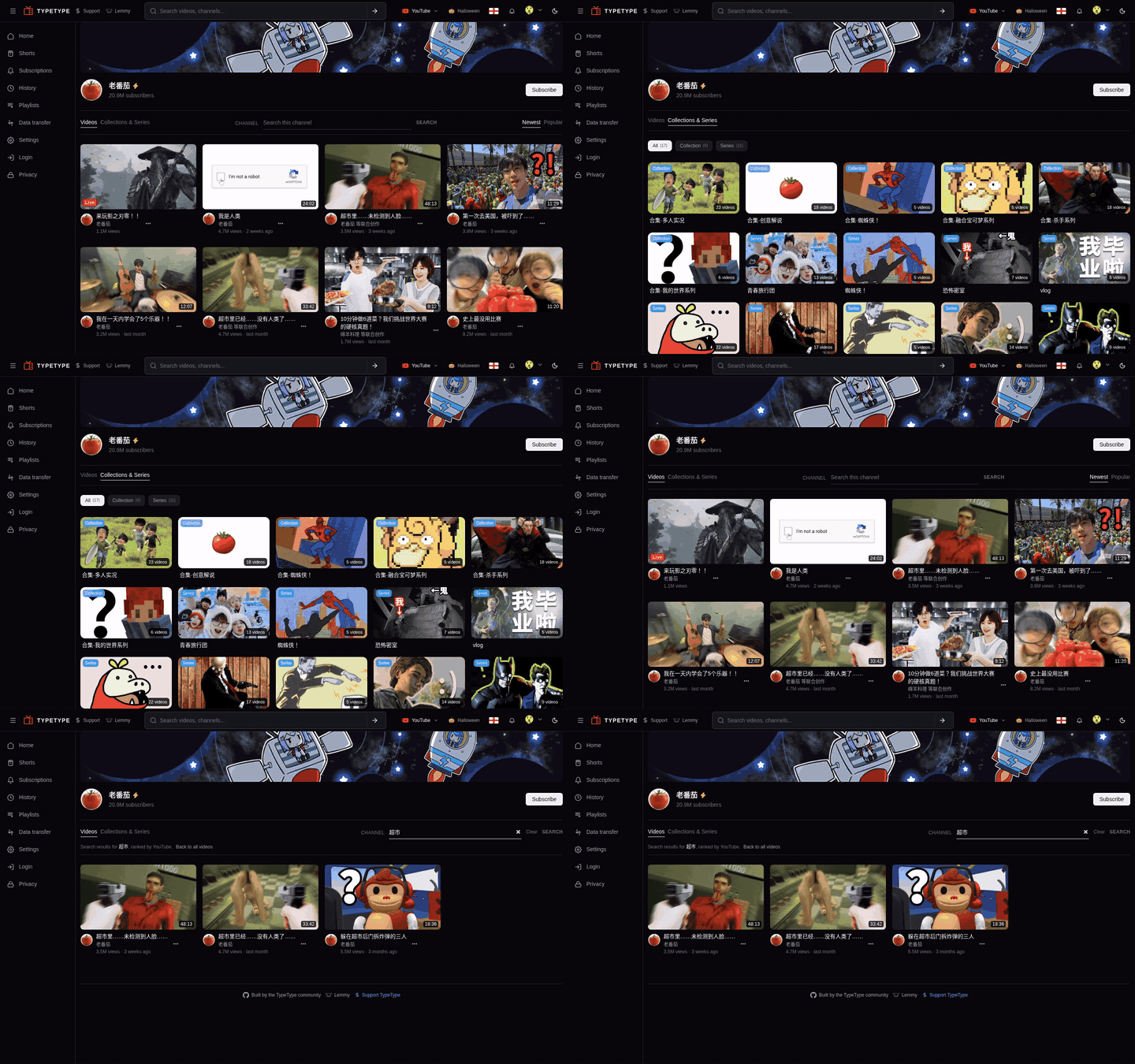
Open a channel to see its videos, playlists, and more, and subscribe from there to add it to your library.
On a BiliBili channel, Collections & Series lists the uploader's collections and series, and Search this channel finds videos from that channel only. Public BiliBili playlists can be saved to your library, like YouTube ones.
Verified BiliBili channels
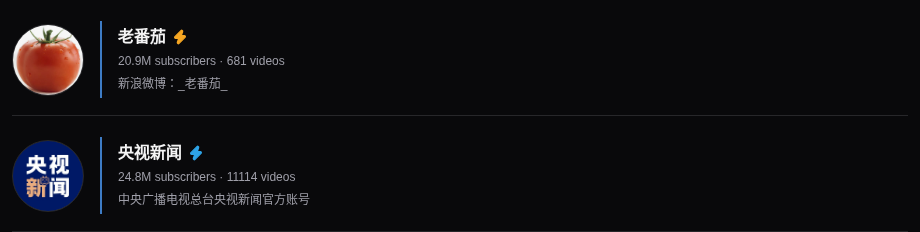
BiliBili marks verified channels with a lightning badge, in search and on channel pages: yellow for a verified creator, blue for a verified organization. In BiliBili channel search, verified channels come first.
Shorts
Shorts have their own vertical, swipeable surface. Not your thing? Turn it off in Settings.
Podcasts
Browse podcast content from a dedicated Podcasts page.
Switching service
TypeType supports YouTube, NicoNico, and BiliBili. Pick the active service so search and browsing target the right source, see Settings.