
Settings
Tune how TypeType behaves for you. Everything here is per-account and saved on your instance.
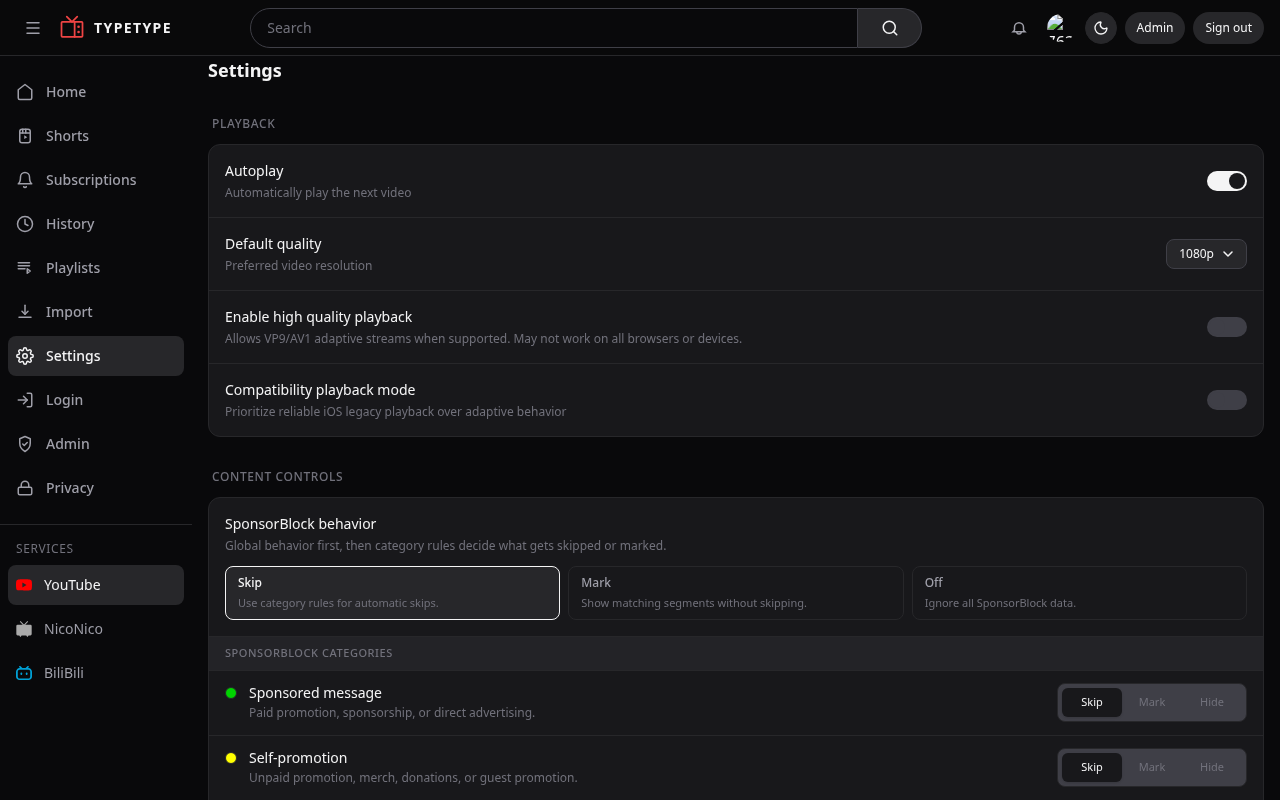
Playback
- Autoplay next video, start the next video automatically when one ends.
- Default quality, the resolution videos open at.
- Enable high quality playback, allow higher-quality streams when available.
YouTube playback uses the stateful SABR path on every supported browser. NicoNico and BiliBili keep their provider-specific playback paths.
Captions
Customize how subtitles look, size, colors, and background, so captions stay readable the way you like them.
Languages
- Preferred audio track, the audio language to pick automatically when a video has several.
- Force original language, keep the original audio instead of a dubbed track.
SponsorBlock
Decide what happens with community-marked segments:
- Behavior, Skip automatically, Mark them on the bar without skipping, or Off to ignore SponsorBlock entirely.
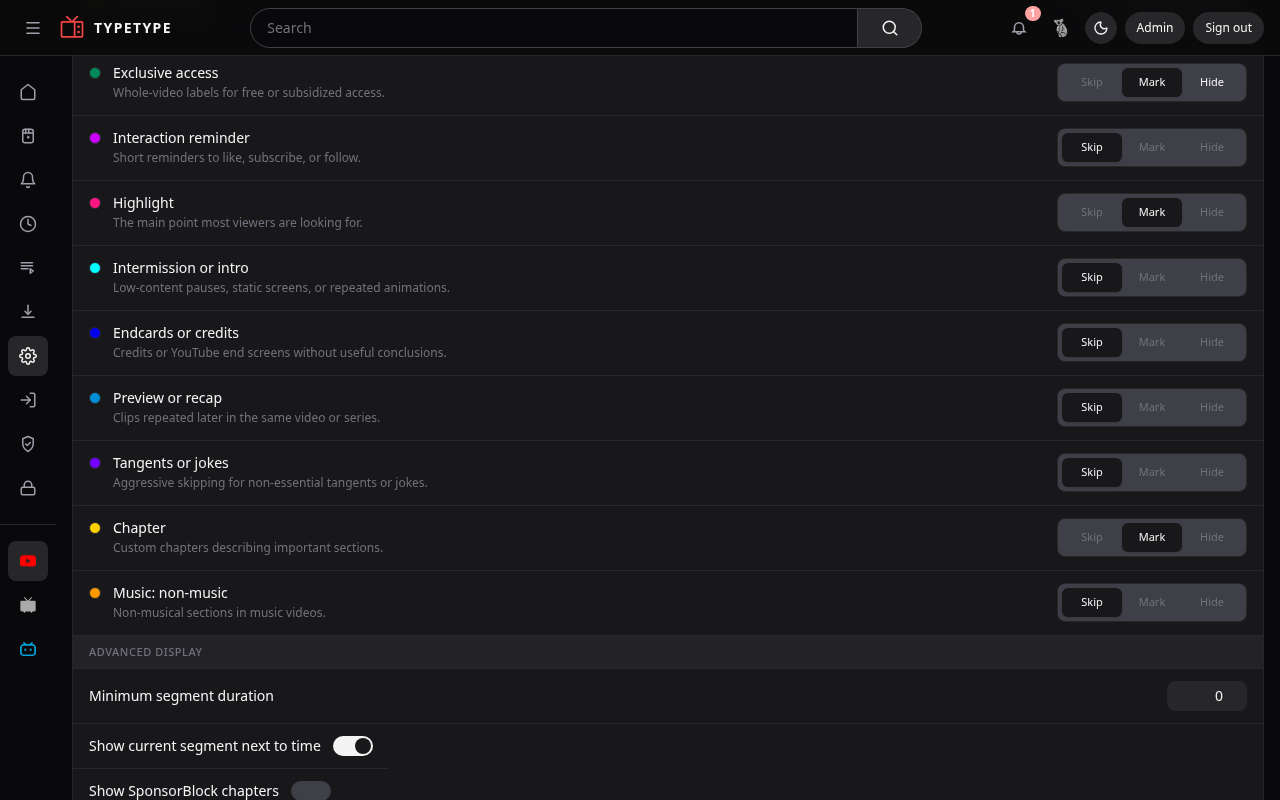
- Categories, choose which kinds of segment count (sponsor, self-promotion, and more), each as Skip / Mark / Hide.
- Finer control, show chapters, show the current segment next to the time, mute instead of skipping, manual skip for full-video labels, and skip non-music only on music videos.
What you see
Shape your surfaces:
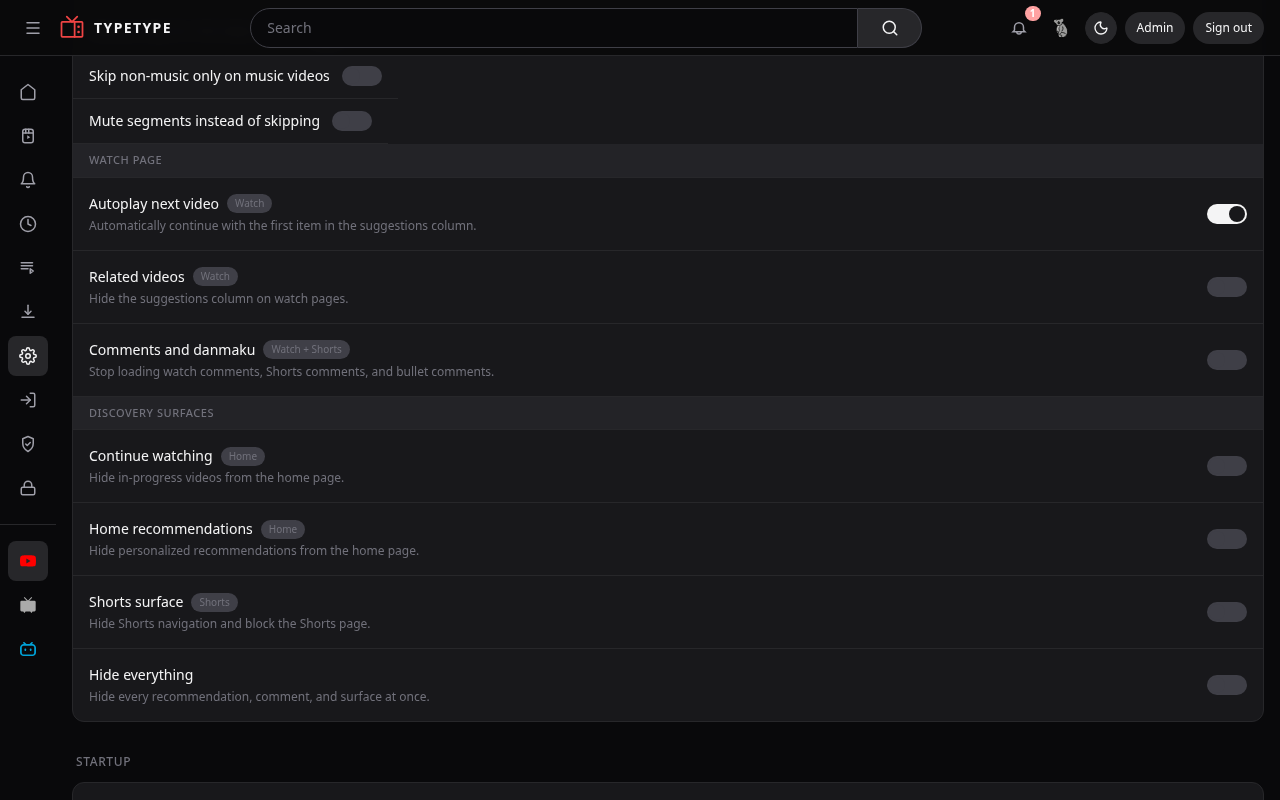
- Hide in-progress videos from the home page.
- Hide personalized recommendations from the home page.
- Choose the algorithm that builds the home page, where the instance offers it. See Choosing your algorithm.
- Hide the suggestions column on watch pages.
- Hide Shorts navigation and block the Shorts page.
- Comments and danmaku, show or hide them.
- Default landing page, open on Home, Subscriptions, or another page.
Service
Pick the active service, YouTube, NicoNico, or BiliBili, so search and browsing target the right source.
About
The About section shows the version, full revision, and build time reported by the web app, Server, Token, and Downloader. Each component is checked independently, so an unavailable internal service does not hide the version information returned by the others. Use the refresh button after an update to request the current values.