
Signing in
Your subscriptions, playlists, history, and settings are tied to your account on the instance.
Local account
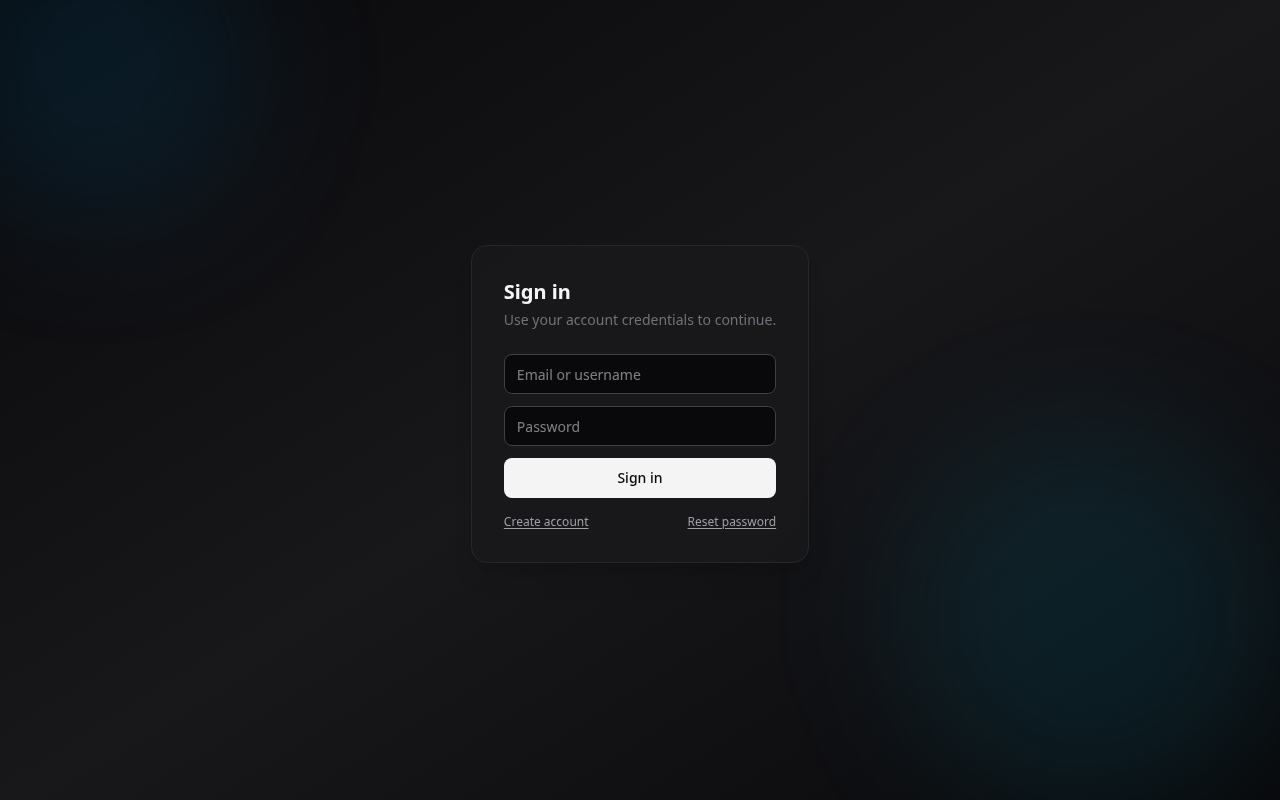
Create an account with a name, email, and password, then sign in. On a brand-new instance the first account becomes the administrator (see Quick start). If you forget your password, use the reset flow from the login page.
The browser keeps the account session refreshed automatically. The short-lived access token expires after one hour, while the refresh session lasts 30 days. If you are signed out while actively using the site, that is not a normal inactivity timeout; ask the instance operator to check Unexpected sign-outs.
Single sign-on (OIDC)
If your instance has it configured, the login page shows a Sign in with... button for your identity provider (Google, Authentik, Keycloak, and so on). One click signs you in, no separate password to manage.
Depending on how the admin set it up:
- the page may redirect straight to your provider (no login screen at all),
- and local accounts may be turned off, so single sign-on is the only way in.
Setting this up is on the admin side, see Authentication (OIDC).
Your profile
From your profile you manage your account details. Administrators also get an Admin area to review bug reports and manage the instance.